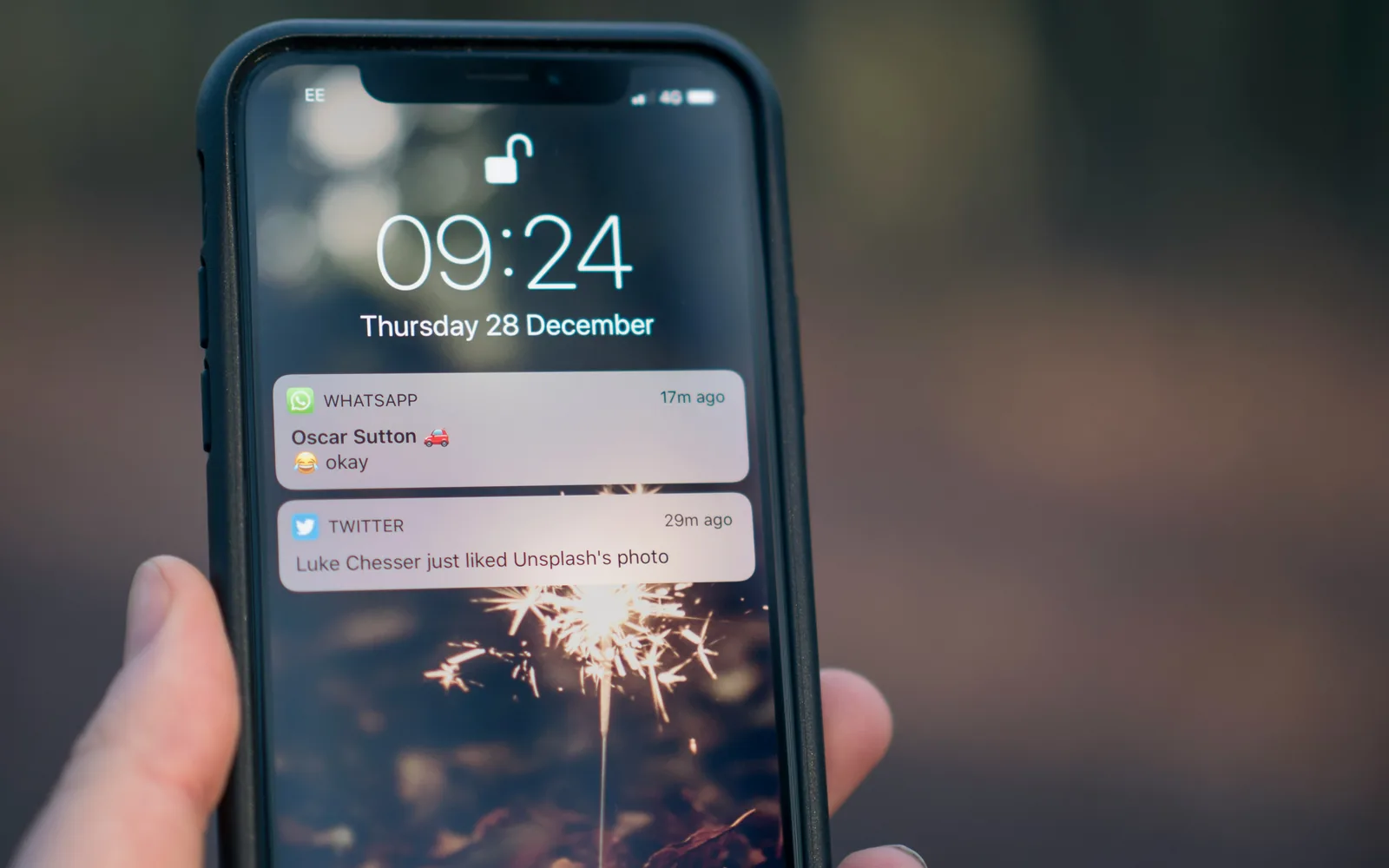
You are at a hotel check-in desk in Lisbon. The card machine asks your bank to verify the payment, your bank fires off a six-digit SMS code — and your phone shows nothing. The code went to your home number, your home SIM is switched off or out of coverage, and the payment times out while a queue forms behind you. It is one of the most common connectivity failures travelers hit, and almost always self-inflicted.
The fix is not complicated, but it does require understanding one thing clearly before you board the plane: which of your SIMs can actually receive SMS. This guide covers the honest answer for data-only travel eSIMs like Roamzy, then walks through four solutions ranked from quick patch to permanent fix.
First, the honest part: a data-only eSIM cannot receive SMS
Roamzy is a data-only eSIM. It has no phone number attached to it, which means it cannot receive SMS, cannot send SMS, and cannot take calls — in any of the 193 countries it covers. The same is true of most travel eSIMs on the market, whatever their marketing implies.
That is not a flaw; it is the design. Skipping the phone number is what makes per-MB metered data cheap and lets you activate with no account and no KYC. But it means your bank's SMS codes will never arrive on the travel eSIM, no matter what you configure.
Why OTP codes stop arriving abroad
When a bank sends you an SMS, your home carrier looks up which network your number is currently registered on and routes the message there. Codes fail to arrive abroad for a handful of predictable reasons:
- Your home SIM is disabled or removed. If the line is not registered on any network, there is nowhere to deliver the SMS. This is the number-one cause.
- International roaming is not enabled on your account. Some carriers require you to switch roaming on before travel; without it, your SIM may fail to register on foreign networks at all.
- You expected the code on your travel eSIM. As above — a data-only line has no number, so nothing can be delivered to it.
- Delivery delays. International SMS routing sometimes takes longer than the 60-second window banks give you. Annoying, but usually solved by requesting the code again.
The four fixes, ranked
1. Keep your home SIM active with roaming on — just for SMS
This is the minimum viable setup, and for most travelers it costs nothing. On the vast majority of consumer plans, receiving an SMS abroad is free — you typically pay for roaming only when you use data, place or answer calls, or send outgoing texts. (Verify this with your own carrier before you fly; a few budget operators and prepaid plans differ.)
The setup, done before departure:
- Confirm international roaming is enabled on your account (in the carrier app or by calling support).
- Keep the home SIM/eSIM turned on in your phone abroad.
- Switch data roaming OFF for the home line specifically — this is the setting that prevents surprise bills.
- Set your Roamzy eSIM as the mobile data line.
Result: OTPs land on your home number for free, while every megabyte flows through the cheap line. If you are unsure how much data that trip will need, our data-usage guide has real numbers per app and per day.
2. Enable Wi-Fi Calling before you leave home
Wi-Fi Calling lets your home number receive texts and calls over any internet connection — including the connection your data eSIM provides. It is the safety net for places where your home carrier has no roaming partner, and it generally makes incoming texts free even on carriers that would otherwise charge.
The catch that trips people up: many carriers only let you activate Wi-Fi Calling while you are on their home network. Turn it on in your phone settings (and verify your emergency address, if asked) before you fly — trying to enable it from abroad often fails. Policies vary by carrier: most major operators deliver texts to your own number over Wi-Fi at no extra cost, but check yours.
Once enabled, your home line can sit with cellular roaming effectively unused while SMS arrives over the Roamzy data connection or hotel Wi-Fi. This combination is especially valuable on cruises, where cellular roaming rates are brutal but the ship's Wi-Fi plus Wi-Fi Calling keeps your number reachable.
3. Switch your bank's 2FA to an app — the fix that actually holds
SMS is the most fragile second factor there is: it depends on roaming agreements, carrier uptime and international routing, and it is also the least secure option (SIM-swap fraud targets exactly this). The permanent fix is to move as many accounts as possible off SMS entirely before your trip:
- Banking apps with push approval. Most major banks now confirm logins and card payments with an in-app prompt instead of a text. Log in to online banking, find "security settings", and switch the default method. Push approvals work anywhere you have data — which, with a global eSIM, is everywhere.
- Authenticator apps (TOTP) for email, exchanges, and services. The codes are generated on the device itself and need no signal at all.
- Passkeys, where offered — no code, no SMS, no phishing surface.
Do this a week before departure, not at the airport: some banks impose a cooling-off period after changing security methods. If you pay for travel connectivity in crypto specifically to avoid handing over documents, this matters double — our no-KYC eSIM guide covers keeping the whole stack account-free.
4. Run both lines at once — your phone has room
None of the above requires choosing between SIMs. Modern iPhones can store eight or more eSIM profiles (with two lines active simultaneously), and current Android flagships are comparable. Your home eSIM and Roamzy coexist: home line active for SMS with data roaming off, Roamzy active as the data line.
Installation takes about two minutes — see the iOS guide or Android guide — and because a Roamzy balance never expires, you can set it up weeks early and leave it dormant until wheels-down.
Checklist before you fly
| Task | When | Why it matters |
|---|---|---|
| Switch bank 2FA to app/push where possible | 1–2 weeks before | Removes SMS dependence entirely; some banks delay method changes |
| Confirm roaming is enabled on your home account | 1 week before | Without it, your SIM may not register abroad and SMS won't deliver |
| Ask your carrier: is receiving SMS abroad free? | 1 week before | True on most plans, but verify yours |
| Enable Wi-Fi Calling on the home line | Before departure, on home network | Often cannot be activated from abroad |
| Install your data eSIM | Any time — balance doesn't expire | Instant QR activation; dormant until you need it |
| Set home line: on, data roaming OFF | On the plane | Free incoming SMS, zero surprise data charges |
| Set travel eSIM as the data line | On landing | All traffic billed per MB instead of roaming rates |
| Test: request one OTP from your bank | First hour abroad | Find gaps while it’s still easy to fix them |
That last row is the one people skip. Trigger a low-stakes code — a login, not a payment — as soon as you land. If it arrives, your whole setup is proven; if not, you still have Wi-Fi Calling and app-based methods to fall back on before anything urgent happens. The economics of this two-line setup versus paying your carrier for a roaming bundle are covered in eSIM vs roaming — for a semester rather than a holiday, see the study-abroad guide.
FAQ
Can a Roamzy eSIM receive SMS or calls?
No. Roamzy is data-only: there is no phone number on the line, so it cannot send or receive SMS or calls anywhere. Keep your home SIM active for number-based verification and use Roamzy for data — the two run side by side on any dual-SIM phone.
Will I be charged for receiving bank SMS abroad?
On most consumer plans, incoming SMS abroad is free — charges typically apply only to data use, calls, and outgoing texts. A minority of prepaid and budget plans differ, so confirm with your carrier before travel and keep data roaming switched off on the home line either way.
My home SIM has no signal abroad — how do I get the code?
Enable Wi-Fi Calling before you leave home. It delivers texts and calls to your home number over any internet connection, including your data eSIM's connection, even where your carrier has no roaming coverage. Most carriers require initial activation while on their home network.
Is app-based 2FA really better than SMS while traveling?
Yes. Push approvals and authenticator codes work anywhere you have data (authenticator codes even work offline), don't depend on roaming agreements, and are more resistant to SIM-swap fraud. Switch your bank's default method a week or two before departure.
Do I need two physical SIM slots for this setup?
No. Modern iPhones store eight or more eSIM profiles with two active at once, and recent Androids are similar — your home line and travel eSIM coexist digitally. Setup takes minutes; see our iOS and Android walkthroughs.